Ron's T.V. And Stereo Installation
Home Theater Installation in St Paul, MN
Overview of Home Theater Installation
Home theater installation in St Paul, MN involves the complete setup and integration of audio and video systems designed to replicate a cinema-like experience inside a residential space. This service includes configuring display equipment, arranging speaker layouts, managing signal distribution, and ensuring all connected devices operate in synchronization within a single entertainment system.
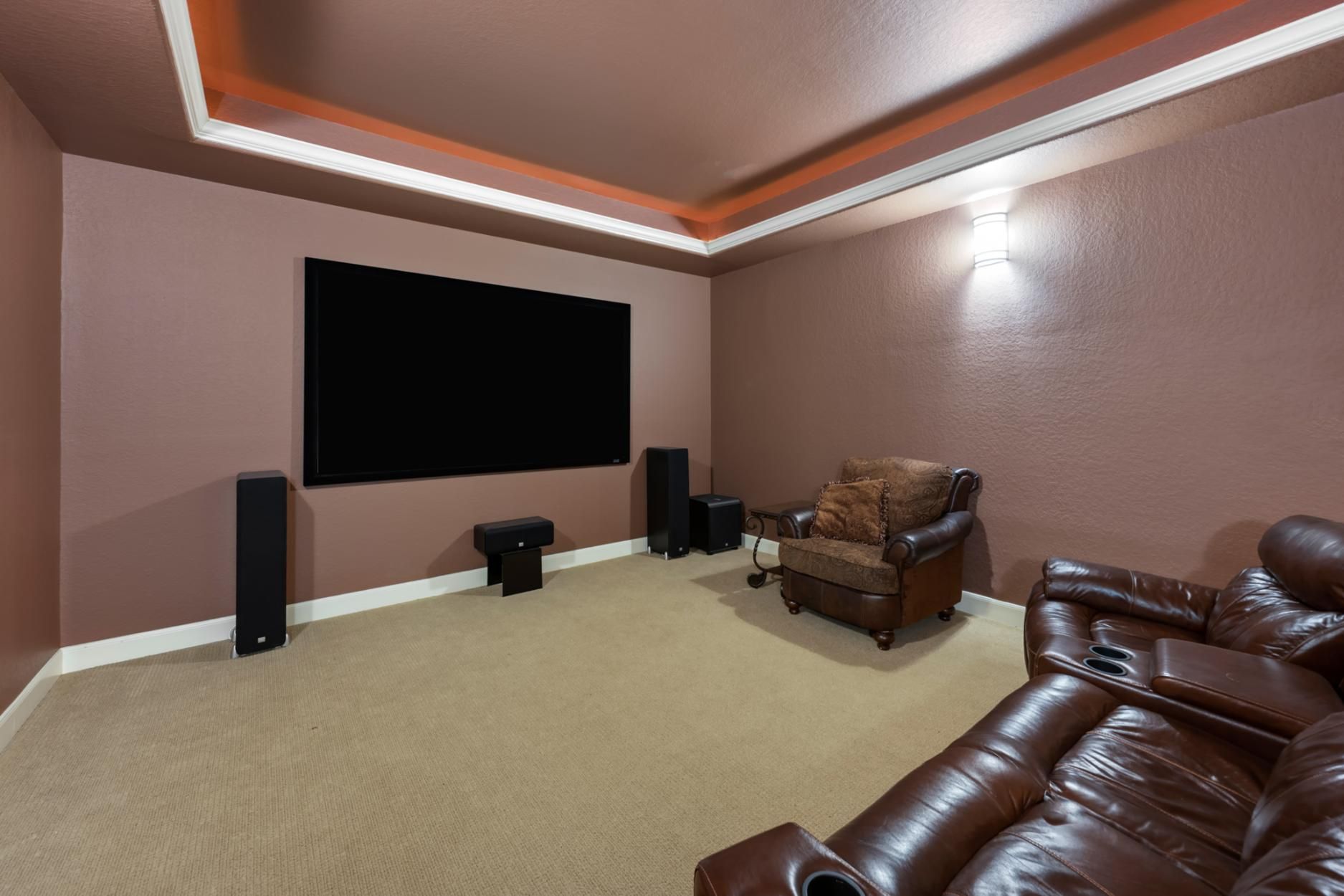
The process typically begins with understanding the layout of the room and identifying how sound and visuals will interact within the available space. This includes evaluating wall structure for mounting, ceiling height for speaker placement, and seating orientation for optimal viewing angles. Every installation is structured around ensuring that audio channels and video output align properly with the environment in which they are used.
Home theater systems often include a combination of a television or projector, an AV receiver, multiple speakers, subwoofers, and external streaming or playback devices. The installation process ensures that each of these components is properly connected and configured to function as one unified system rather than separate electronics.
Room Layout Evaluation
During layout evaluation, attention is given to seating distance in relation to screen size and resolution. The positioning of seating areas determines how audio and visual elements will be experienced, especially in systems designed for multi-channel surround sound.
Structural Mounting Considerations
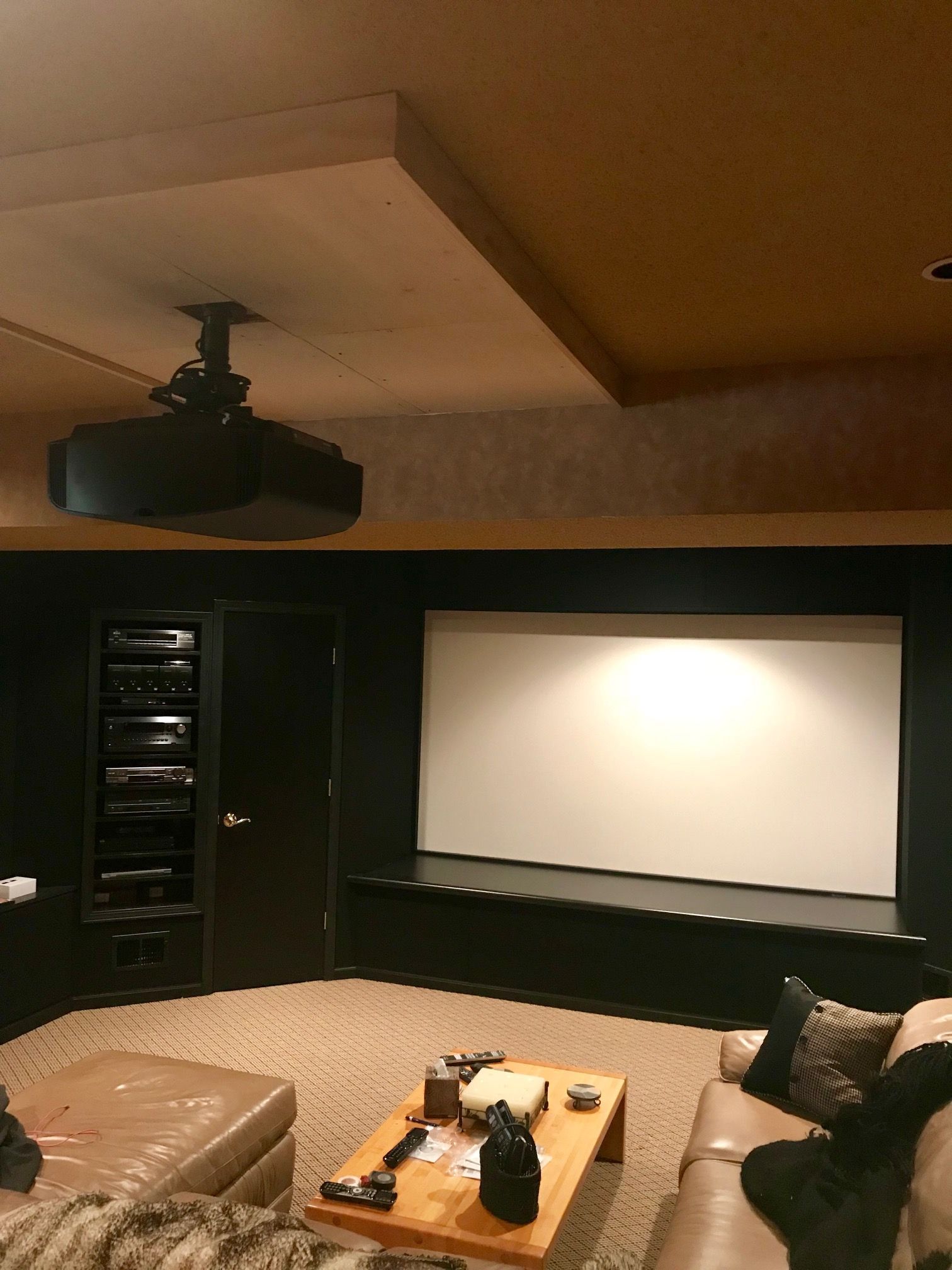
Wall composition plays a critical role in determining installation methods for televisions and speakers. Drywall, concrete, and wood framing each require different mounting hardware and support techniques to ensure stability and safety during long-term use.
Cable Routing Planning
Cable routing is also considered during this phase. Proper planning ensures that HDMI, optical audio cables, and power lines are routed in a way that minimizes exposure while maintaining accessibility for future upgrades or maintenance.
Planning and Room Assessment
The planning stage of home theater installation focuses on analyzing the physical characteristics of the room where the system will be installed. This includes studying wall dimensions, electrical access points, and the structural integrity of surfaces intended for mounting displays or speakers.
Display System Configuration
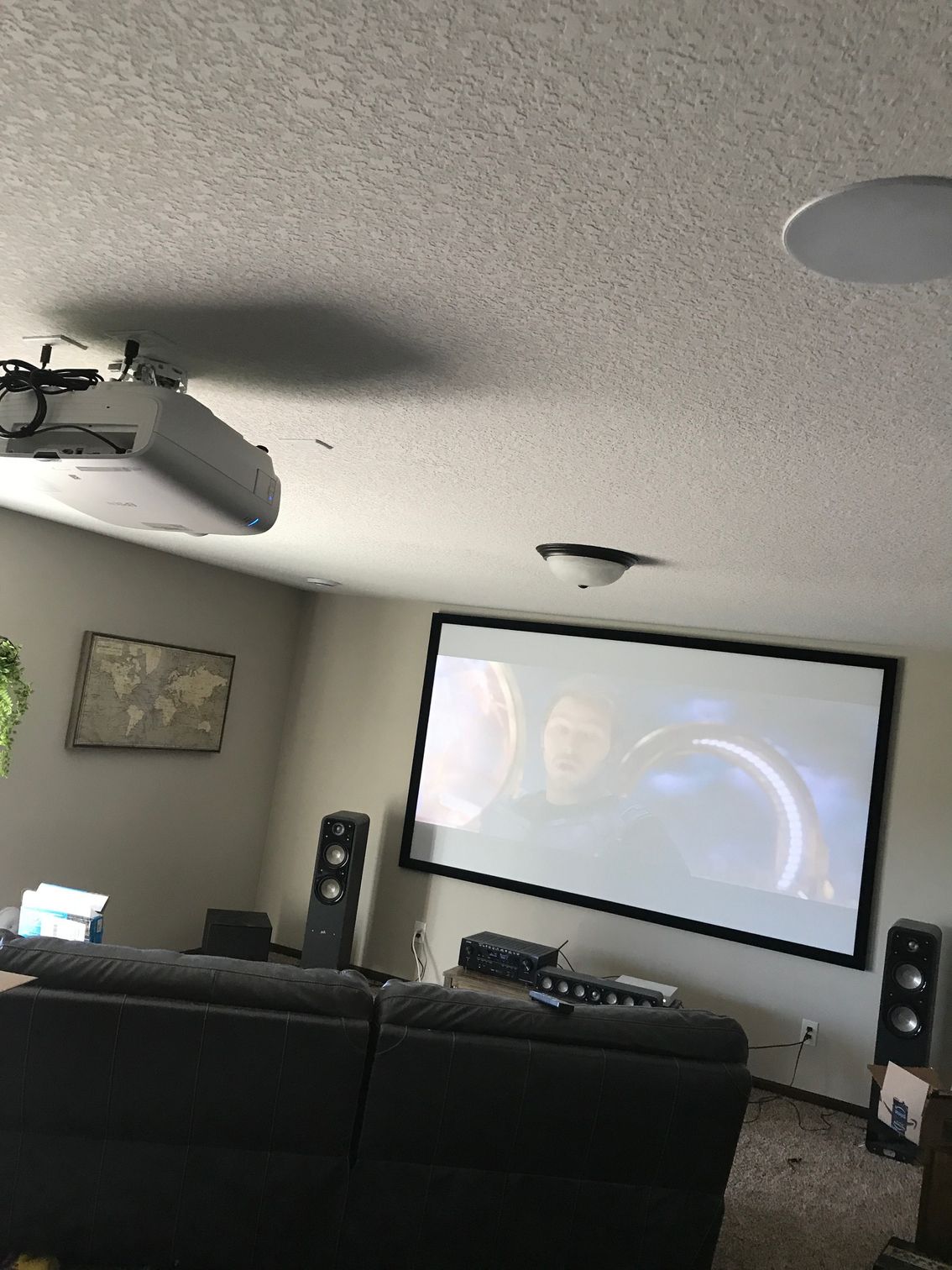
Display configuration includes setting up televisions or projectors based on viewing distance, resolution capabilities, and input compatibility. HDMI connections are typically used for high-definition video transmission, ensuring that content is delivered without signal degradation.
Surround Sound Setup
Surround sound systems are arranged to distribute audio channels across multiple speakers placed in strategic positions around the room. Standard configurations such as 5.1 and 7.1 channel systems require precise alignment of front, rear, and center speakers to maintain balanced audio distribution.
AV Receiver Programminglanning
The AV receiver acts as the central hub for all connected devices. It processes audio signals, distributes them to the correct channels, and manages input switching between devices such as gaming consoles, streaming boxes, and Blu-ray players.
Audio and Video Component Integration
Audio and video integration forms the core of home theater installation. This phase focuses on connecting display devices with sound systems and ensuring proper signal transmission between all components.
Wiring, Connectivity, and Signal Management
Proper wiring and connectivity are essential for maintaining signal integrity and ensuring long-term system reliability in home theater installations.
Hidden Cable Installation
Cable concealment techniques are used to route wiring behind walls or through designated channels. This approach reduces visual clutter while maintaining organized connectivity between devices.
Power Distribution Setup
Power management includes ensuring that all devices receive stable electrical supply without overloading circuits. Surge protection and controlled power distribution are commonly integrated into the system to protect sensitive electronics.
Signal Path Optimization
Signal management focuses on minimizing interference and maintaining consistent data transmission between components. HDMI standards, optical cables, and wireless connectivity options are evaluated based on system requirements and distance limitations.
Audio Calibration Process
Audio calibration involves adjusting speaker levels, delay timing, and frequency output to ensure balanced sound distribution across all channels. This ensures that dialogue, background effects, and bass response are properly aligned.
Video Adjustment Settings
Video configuration includes brightness, contrast, color balance, and resolution settings tailored to the specific display device. Projector-based systems may also require keystone correction and screen alignment adjustments.
Network and Smart Integration Setup
Modern home theater systems often include network connectivity for streaming services and smart home integration. Configuration ensures stable Wi-Fi or wired connections for uninterrupted media playback and system control.
Calibration and System Configuration
Once all hardware is installed and connected, calibration is performed to optimize performance across both audio and video outputs.
Final Testing and System Walkthrough
The final stage of home theater installation involves comprehensive testing of all components to ensure proper operation across all inputs and outputs.
System Performance Testing
Each device is tested individually and as part of the full system. This includes verifying audio synchronization, video clarity, and input switching functionality between connected devices.
User Interface Configuration
Control systems such as remotes, mobile applications, or integrated smart home platforms are configured to allow simplified operation of the entire theater system from a single interface.
Operational Walkthrough
A final walkthrough is conducted to demonstrate system functionality, including switching inputs, adjusting audio settings, and managing connected devices. This ensures that all installed components operate cohesively as intended within the home theater environment.


